Latest features
How do I use Spark and Related Context?
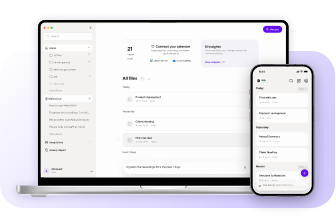
1. Read the Spark card on Home, or open Profile → Updates → Spark for earlier insights.
2. Open a processed recording and tap Related context below the title when offered.
3. Read the context and open the listed sources to inspect the related recordings. An empty view may mean no relevant context has been found yet.