Latest features
How do I use Morning Memo and meeting briefs?
1. Open Home → Integrations → Email. Add or change the recipient email and save.
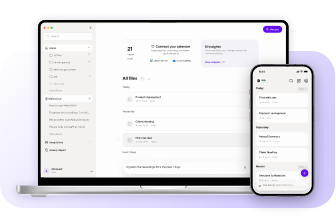
2. Turn on Morning Memo. Connect an available calendar to provide event context; the recipient email is separate from your sign-in email.
3. Open a calendar event and tap Meeting brief when one is available. Memos and briefs depend on relevant context; they are not promised for every morning or event.